AT&T Fail: iPhone no longer receives messages!
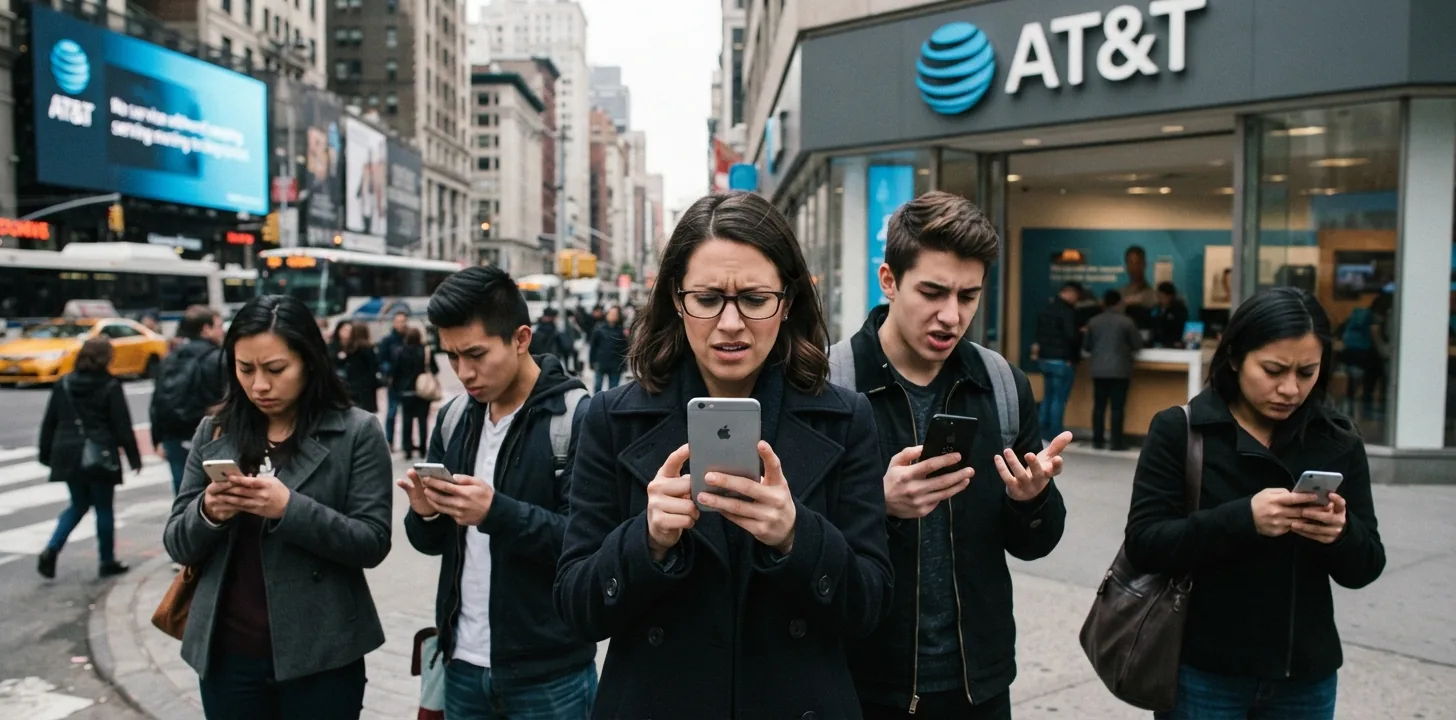
On Monday I tried to login to my bank and, as usual, it wanted to send me a magic code on my phone so I could prove it was me. The code never arrived! I tried again, and again it never arrived. Figuring it might be the bank’s server I tried something with another vendor and here too it never arrived.
So now I expected something more troublesome. I was, effectively locked out from using any system that wants to send such codes this way: bank, credit card, utilities, water delivery and more. Some offered an alternative in a voice call reading me the number. That works but is much more cumbersome and time consuming. It baffles me why institutions are still using outdated and not so secure methods with modern alternatives well documented and available.
I’ll have to rant here for a minute. When this code sending thing failed it reminded me again that this mechanism is outdated and problematic. Microsoft even said so, explicitly, in a post from 2020! Six years ago! If you do not understand, you may want to read a more detailed explanation of why this is a problem.
Better methods available these days are passkeys and authenticator applications. While the former is not understood by many people yet, secure management of both is available through built in facilities in the Apple eco system, or using 1Password (what I use personally). I am suspecting businesses love to obtain your phone number and this may be one of the drivers. I also think that legacy back end systems are perhaps harder to change, and a reluctance to spend money on what, in their experience, is not (yet?) broken!
Providers: Get into the modern age and support proper 2FA with passkeys and authentication codes! It is quicker and safer!
The hunt for the problem
Now that I had a problem I tried to nail it down more precisely and asked for people to send me messages. Some were iPhone users and some I selected were Android based phone users. Trying different combinations. In all cases the messages came through without issue!
Google AI answers to the problem suggested the following steps to try and resolve the problem:
- Reboot your phone: power it off, wait 30 seconds, power on and try again
- Temporarily switch to Airplane mode, wait, and back on, and try again
- Switch WiFi calling off, and try again
- Reset network settings and try again. Incidentally this one is not so nice because all your previously stored WiFi passwords are wiped in the process so afterwards you will no longer be able to automatically connect to previously known WiFi networks.
- Check the settings for blocked numbers, and try again.
None of these worked. I was pretty sure they would not, but tried them all anyway.
There are many folks who publish “easy” content with suggestions like this for a whole host of problems. They don’t seriously investigate a problem. They just want to create content that attracts clicks and improves Google page rankings. Also, such pages are often full of advertisements (which is what generates the revenue from easily created, but most often fairly useless content). Consequently, though, search engines love to present this kind of content.
Then I realized this all seemed to have in common that the institutions in question are sending messages not from a phone number, but rather from a so-called “short-code” origin. That suggests the path through the phone system may not be quite the same as for the cases that did work. Some more googling seemed to confirm that this is sometimes a problem and that one needs to work with the carrier to fix it.
How I solved the problem
After all that (and more than an hour passing), I attempted to contact AT&T (my wireless carrier). Here I ran into another problem because you can either “chat”, which has you working with a rather clueless AI bot that can only handle super standard stuff (Support for dummies?), or you can dial 611.
Dialing 611 was an interesting experience proving why AI is not there yet, or at least the companies deploying it don’t know how to get the best out of it. The call puts you in touch with a voice recognizing bot, not a human. The following is a paraphrased version of what happened:
- Bot: What problem can I help you with?
- Me: I cannot receive messages from short-code based senders such as banks
- Bot: For messaging problems you can try the following steps… (see what I wrote above)
- Bot: May I send you a text message with instructions?
- Me: WTF? (I did not really say that, but thought it). I just told you I cannot receive messages
- Bot: What can I help you with… Repeat, repeat, repeat
- Me: AGENT, AGENT, AGENT!
- Bot: Prove that it is you before I connect you (asking for a pin code)
- Voice: “Welcome to AT&T, all our agents are busy. Stay on the line or press x to request a callback.” I did.
- Voice: 45 minutes later the callback comes. My phone screens unknown callers and I was not fast enough, so they hung up
- Me: Tried 611 again. To their credit they recognizes a call just failed and connected me to “Walter,” an actual hooman! (Walter had a very heavy, but ultimately understandable, Hispanic accent).
- Me: Explaining the problem again
- Walter: I am so sorry. We are having a known issue with this right now!
- Me: Thinking it might be related to the well published, but low on details, problems with the new iPhone 18 Pro Max on AT&T networks, even resulting in hardware lockups. Store that thought!
- Me: OK, but what are we going to do about it?
- Walter: I need to change your phone configuration in the system. I need to talk to my supervisor. Please wait while I do that
- This repeated in similar form several times, with Walter coming back apologizing and telling me it was going to be a little longer
- Walter: I cannot make the change and need to ask the back-office group to handle it. It will then take up to 24 hours to get resolved. You will receive an email from them when it is done.
- Me: Thank you, goodbye!
After approximately 18 hours I suddenly received a message from my bank and confirmed that things were back in working order. No email from the back office team though! Another 4 hours later I received a text message, from AT&T, and from a short-code origin no less, asking for feedback on how Walter had done!
But why?
I have been using an iPhone since the early days, going through many different models over the years. Never had a problem like this until now. So I started wonder what might have happened.
With more targeted searches I now found reports of others having these kind of problems, going back as much as 5 years. In almost all cases I found this happened after a new phone was obtained, or after a software (iOS) upgrade. Incidentally (or not?) I had upgraded to iOS 27.0.1 just days before.
Apple had strongly pushed for that upgrade because a now known problem had caused problems with connectivity for users of the new iPhone 18 Pro Max, but it also contained security fixes. More research showed the iPhone 18 Pro Max problem only happened for AT&T users! So now my theory is that whatever happened there caused Apple to release a software fix (ostensibly to prevent bricking of those phones, requiring total hardware replacement), and it possibly caused AT&T to “mess with things” behind the scenes.
I suspect that during all that, AT&T messed up and “blocked” my phone (and who knows how many others) for short-code SMS delivery. I hope that not too many others with non iPhone 18 Pro Max phones experienced this problem because google is not very helpful in that case, and the process of eventually getting to AT&T and speaking to a human can be a very long process.
I can bank again online!